
To share a full folder externally, access your folder’s options by clicking the More menu (⋮) and choosing Update Attributes. Then do the following:
- Set the folder’s permission level to allow public access.
- From the Sharing Settings, toggle on Share Folder with Link.
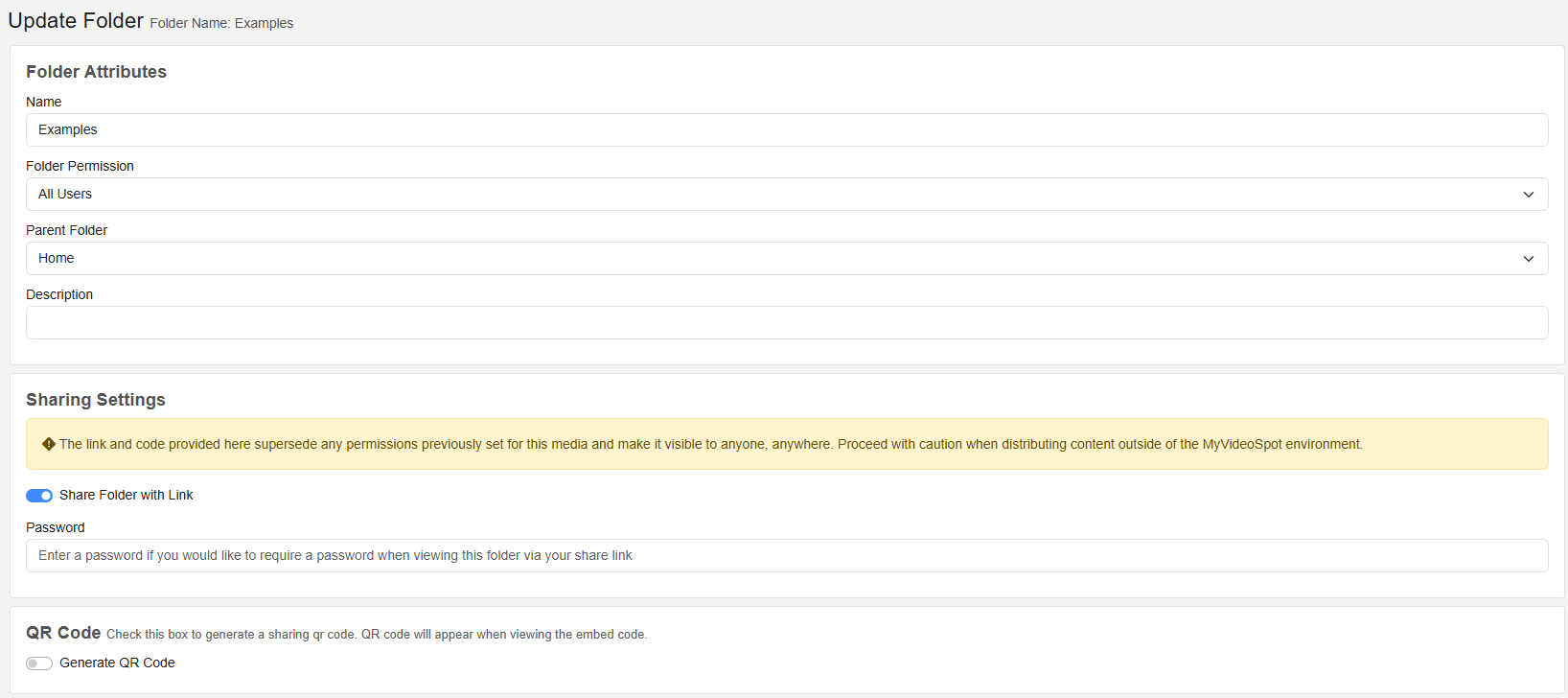
You can then distribute the folder link the same way you would an individual item — via direct link, embed, or QR code.
Shared Folders Support
- Videos, images, audio files, PDFs, and more
- Accessible on desktop or mobile browsers
- Great for portfolios, project collections, or shared libraries