
Organize, Manage, and Display Video Content with Ease

Intuitive video gallery software for your entire school district. 

A cartoon character with a green rounded body and smiling face sits in a chair, using a laptop. A small robot with a friendly expression extends a hand towards the character, creating a playful interaction.

What are Showcases?

A Showcase is a video gallery with custom viewing permissions. Create reels for a single classroom or share them across the entire school district. 

It’s simple, secure, and all happens in-house: Your community watches school videos on the school website, not through YouTube or Vimeo.

Announcements

Share emergencies, sensitive news, or policy changes all in one place. 

Learning Aids

Encourage teachers to post lesson recordings, student projects, or study material for their classrooms.
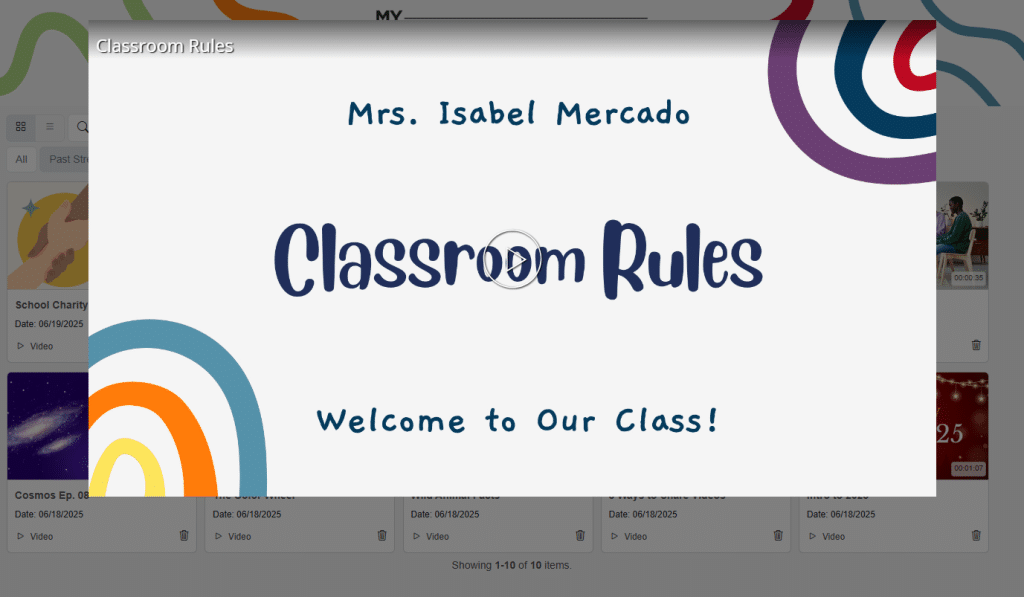
A digital slide titled 'Classroom Rules' with the text 'Mrs. Isabel Mercado' and 'Welcome to Our Class!' The background features colorful abstract shapes.
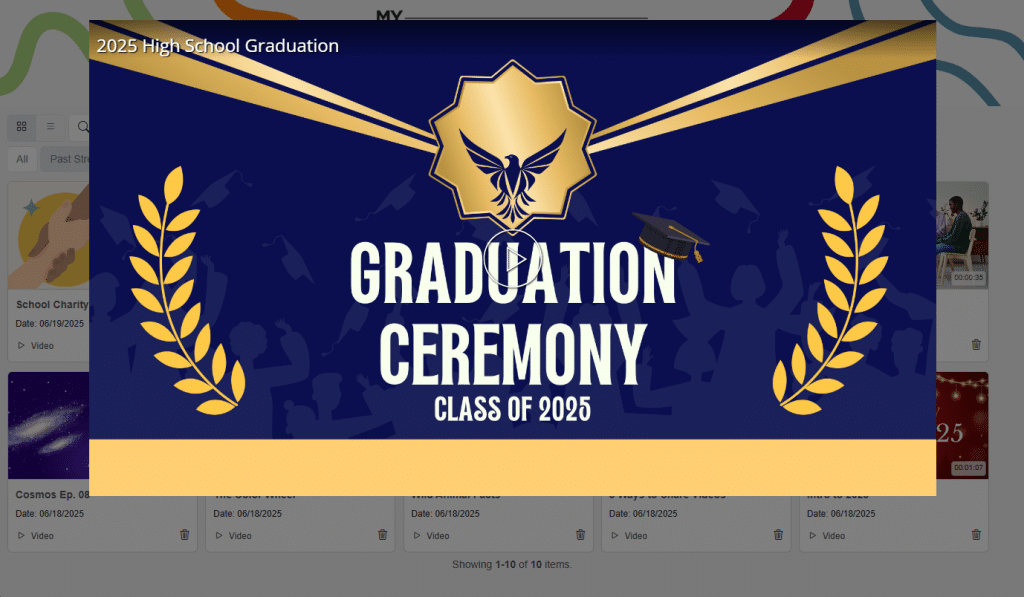
A graphic announcing the 2025 High School Graduation with the text "Graduation Ceremony Class of 2025" on a blue background, featuring a gold emblem and laurel leaves.

Student Achievements

Celebrate individual students with a rotating gallery of highlights, from the winning touchdown to academic awards.

Game Day

Live stream the Homecoming game, then autosave it to the Game Day showcase.

Concerts & Performances

Share all recordings of musicals, plays, and more in a Performing Arts Showcase.

District communications

Live stream board meetings and town halls, then share with the entire district.
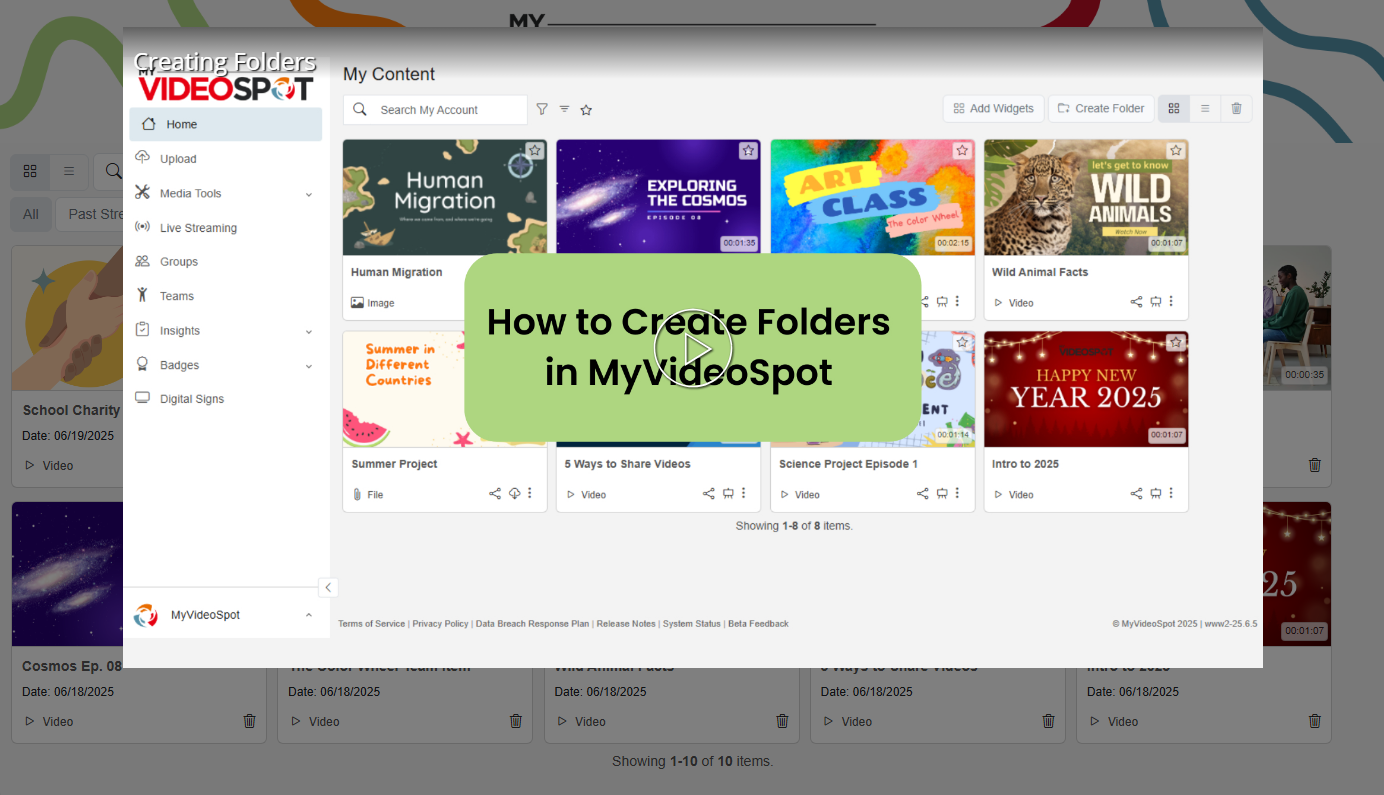
A screenshot of the MyVideoSpot platform displaying a tutorial on creating folders. The text "How to Create Folders in MyVideoSpot" is highlighted in green. Various video thumbnails are visible on the screen.
A diverse group of employees participating in a collaborative learning session, with a prominent overlay text reading 'Employee Training Series' and a button stating 'On-demand learning courses' on a digital background.

Internal training & onboarding

Create a library of tutorial videos on any subject, from staff onboarding to tech support. 

Meet the Staff

Let your team shine. Build a Meet the Staff showcase that helps families put faces to names.

Employee Recognition

Highlight team achievements, welcome new hires, or celebrate milestones with an online video gallery.

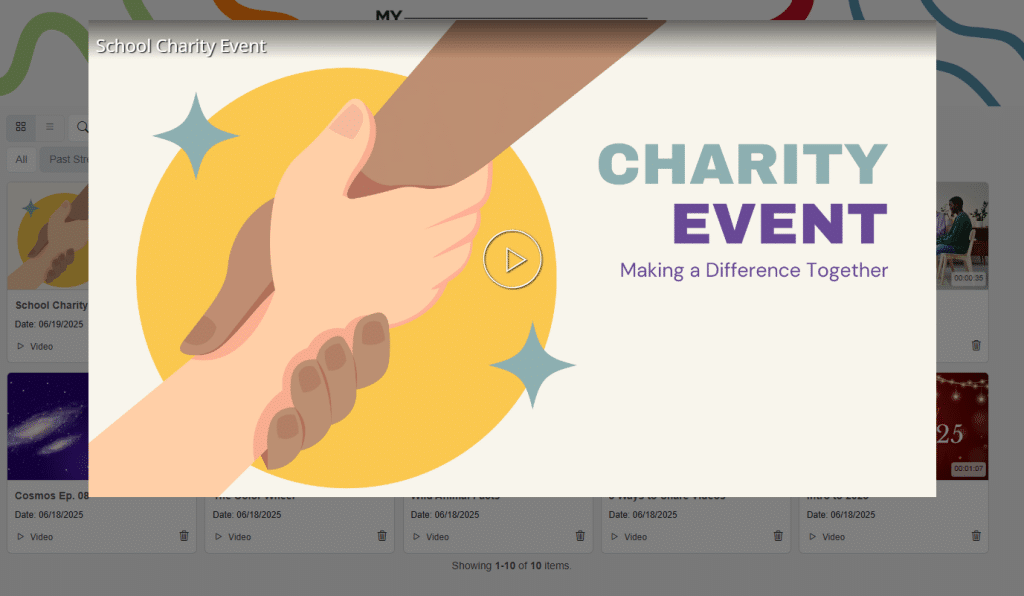
An illustration featuring two hands shaking, symbolizing partnership, against a colorful background. Text reads "CHARITY EVENT" and "Making a Difference Together." A play button is positioned at the center.

Announcements

Share emergencies, sensitive news, or policy changes all in one place. 

Learning Aids

Encourage teachers to post lesson recordings, student projects, or study material for their classrooms.

A digital slide titled 'Classroom Rules' with the text 'Mrs. Isabel Mercado' and 'Welcome to Our Class!' The background features colorful abstract shapes.
A graphic announcing the 2025 High School Graduation with the text "Graduation Ceremony Class of 2025" on a blue background, featuring a gold emblem and laurel leaves.

Student Achievements

Celebrate individual students with a rotating gallery of highlights, from the winning touchdown to academic awards.

Game Day

Live stream the Homecoming game, then autosave it to the Game Day showcase.

Concerts & Performances

Share all recordings of musicals, plays, and more in a Performing Arts Showcase.

District communications

Live stream board meetings and town halls, then share with the entire district. 

A screenshot of the MyVideoSpot platform displaying a tutorial on creating folders. The text "How to Create Folders in MyVideoSpot" is highlighted in green. Various video thumbnails are visible on the screen.
A diverse group of employees participating in a collaborative learning session, with a prominent overlay text reading 'Employee Training Series' and a button stating 'On-demand learning courses' on a digital background.

Internal training & onboarding

Create a library of tutorial videos on any subject, from staff onboarding to tech support.

Employee Recognition

Highlight team achievements, welcome new hires, or celebrate milestones with an online video gallery.
Meet the Staff 

Let your team shine. Build a Meet the Staff showcase that helps families put faces to names.

Announcements

Share emergencies, sensitive news, or policy changes all in one place.

Learning Aids

Encourage teachers to post lesson recordings, student projects, or study material for their classrooms.
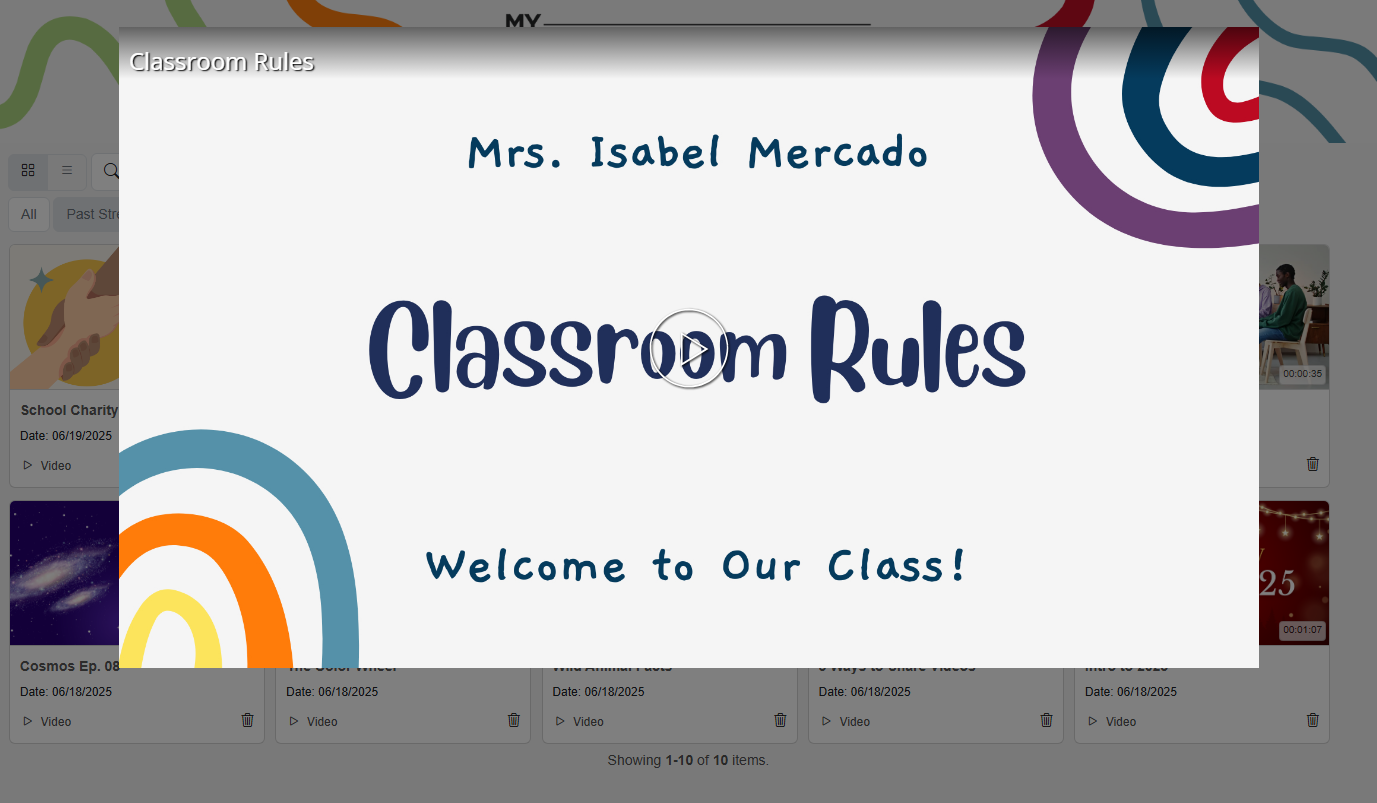
A digital slide titled 'Classroom Rules' with the text 'Mrs. Isabel Mercado' and 'Welcome to Our Class!' The background features colorful abstract shapes.
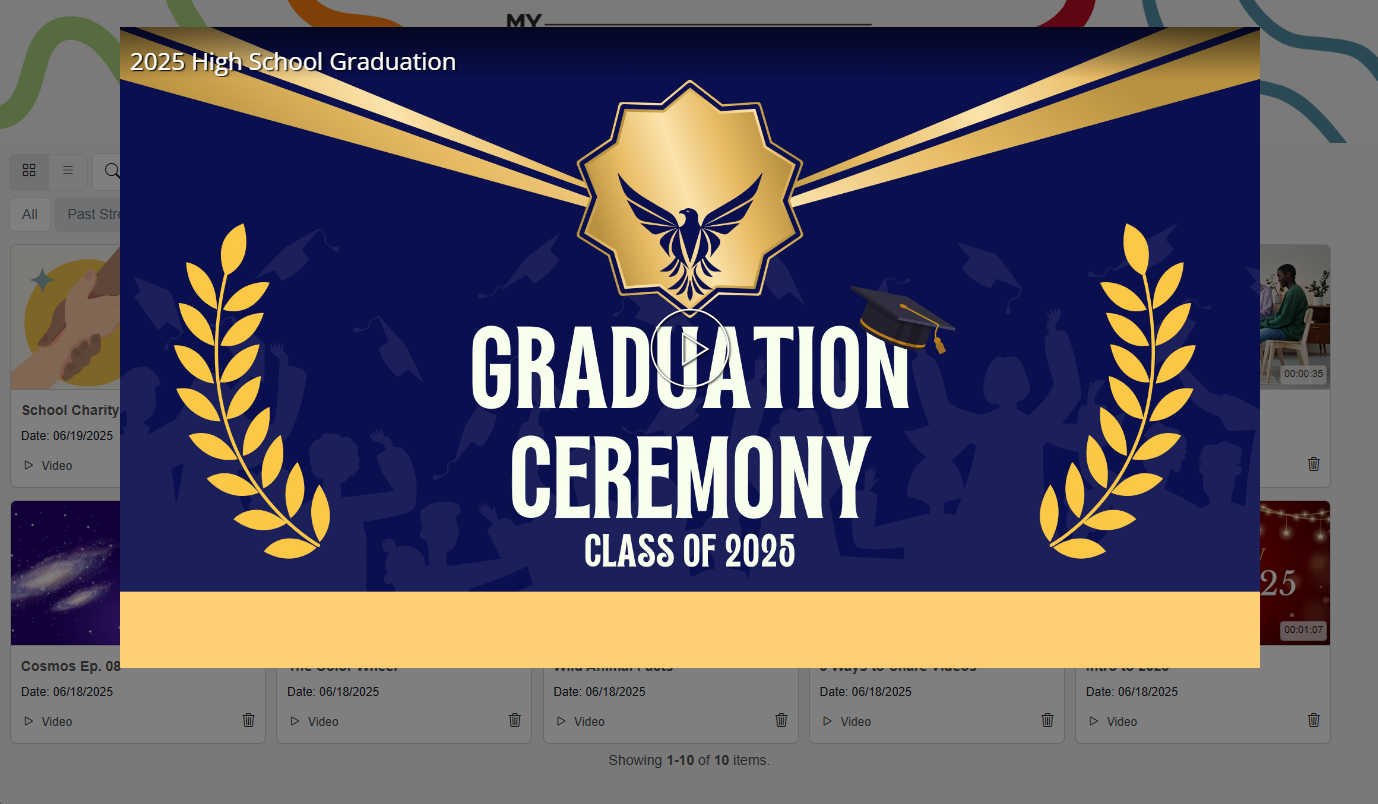
A graphic announcing the 2025 High School Graduation with the text "Graduation Ceremony Class of 2025" on a blue background, featuring a gold emblem and laurel leaves.

Student Achievements

Celebrate individual students with a rotating gallery of highlights, from the winning touchdown to academic awards. 

Game Day 

Live stream the Homecoming game, then autosave it to the Game Day showcase. 

Concerts & Performances

Share all recordings of musicals, plays, and more in a Performing Arts Showcase. 

District communications

Live stream board meetings and town halls, then share with the entire district. 

A screenshot of the MyVideoSpot platform displaying a tutorial on creating folders. The text "How to Create Folders in MyVideoSpot" is highlighted in green. Various video thumbnails are visible on the screen.
A diverse group of employees participating in a collaborative learning session, with a prominent overlay text reading 'Employee Training Series' and a button stating 'On-demand learning courses' on a digital background.

Internal training & onboarding

Create a library of tutorial videos on any subject, from staff onboarding to tech support. 

Meet the Staff 

Let your team shine. Build a Meet the Staff showcase that helps families put faces to names. 

Employee Recognition 

Highlight team achievements, welcome new hires, or celebrate milestones with an online video gallery.
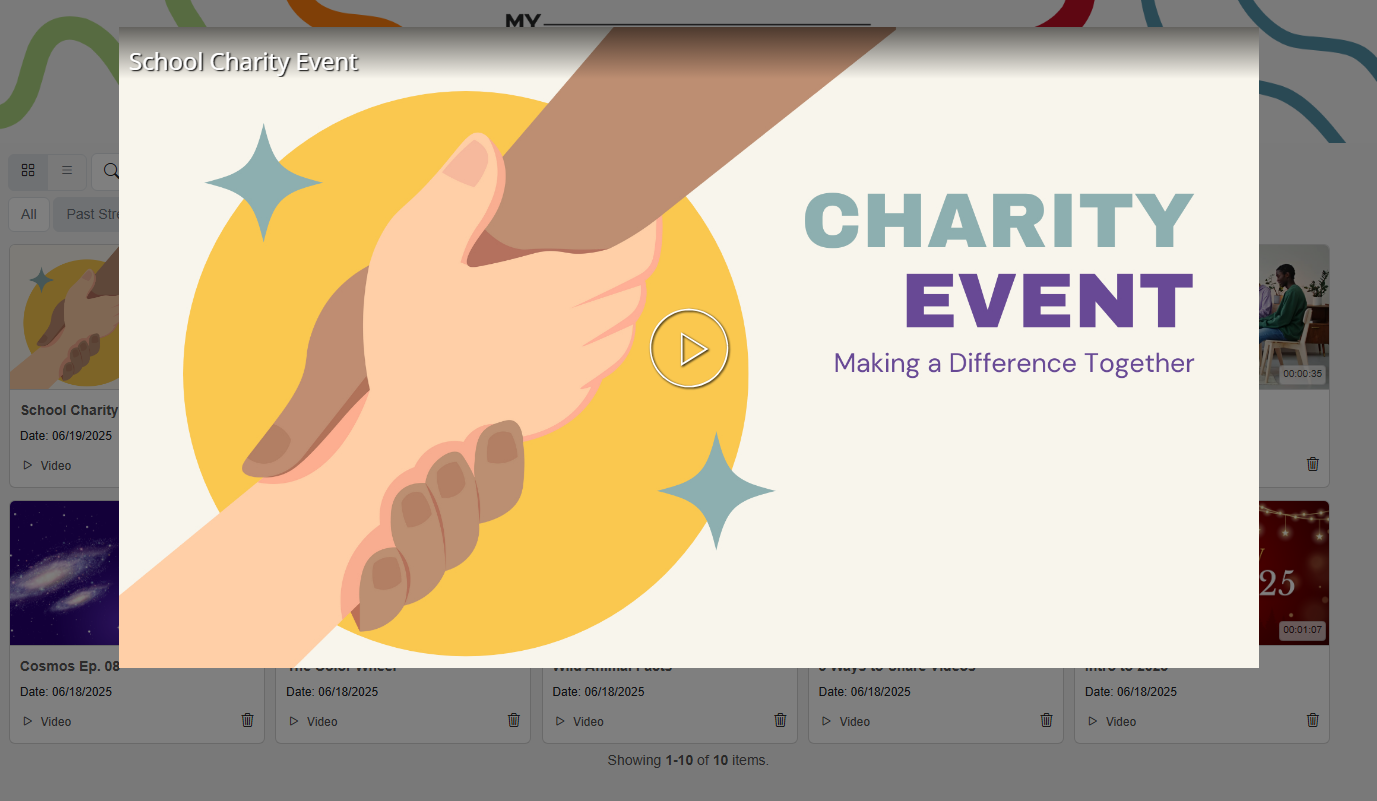

An illustration featuring two hands shaking, symbolizing partnership, against a colorful background. Text reads "CHARITY EVENT" and "Making a Difference Together." A play button is positioned at the center.

Easy to Use

Simply pull media from the MyVideoSpot library or a live stream, add it to a Showcase, and set viewing permissions. You can also make Showcases more searchable by adding custom Categories. 

Adding Showcases to a website or digital signage is very simple – just use the provided link, QR code, or embed. The entire system is a code-free video gallery solution.

A cartoon character with a blue, rounded body and a cheerful expression, typing on a laptop. The laptop displays an orange line on its screen, while the character's arms rest on the laptop keyboard.

Shareable but Secure 

In an increasingly digital world, our video gallery software prioritizes both security and shareability. Set viewing and editing permissions with ease – you can decide whether each Showcase is accessible for a single classroom, school, or your entire district. Add passwords as needed.

Ready to show the world?

Turn your content into vibrant video galleries for the whole school.