A Smarter Content Management System Built for Schools
A video hosting platform that folds creation, collaboration, and content management into one place.
For Individuals
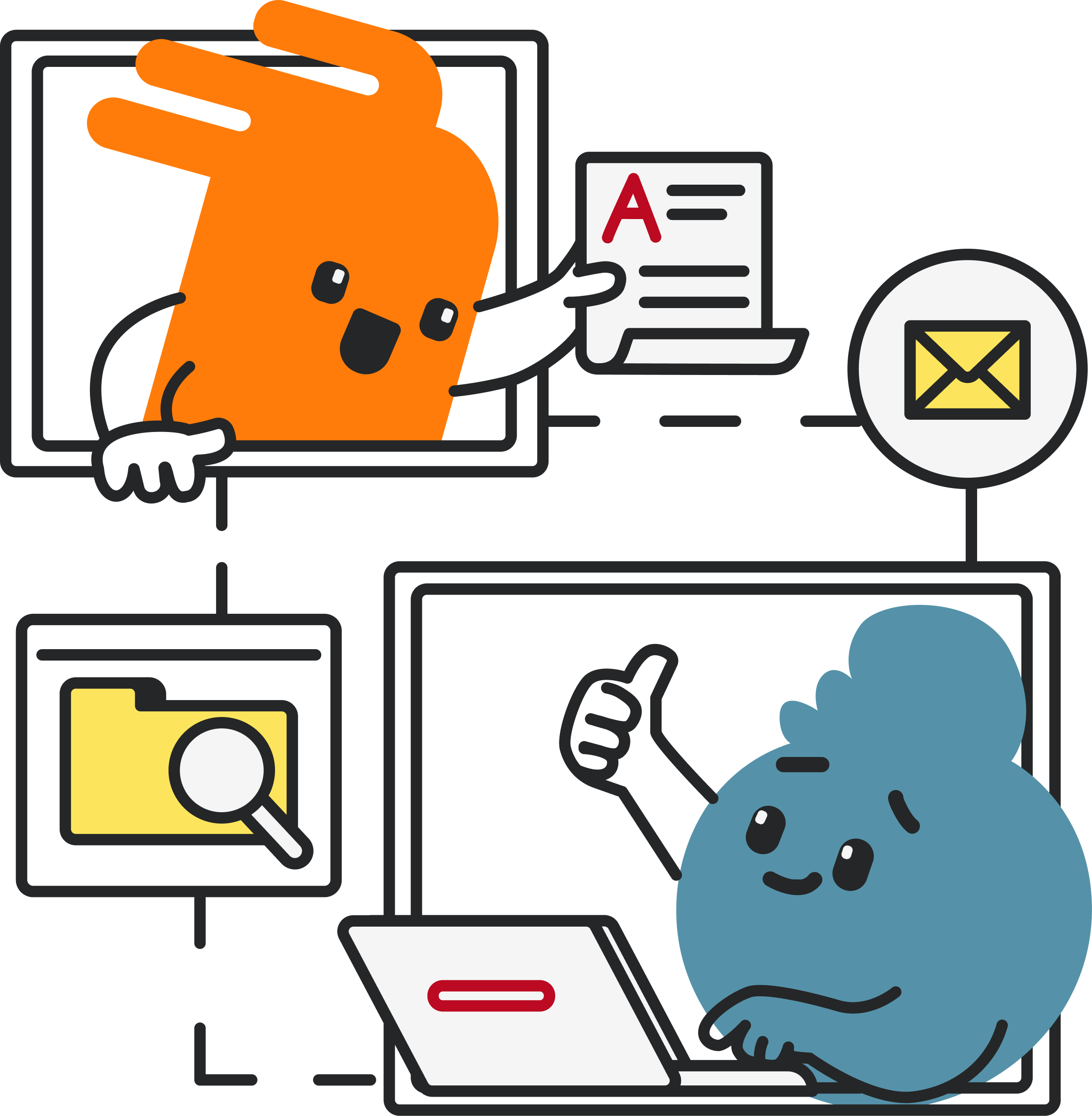
Record, edit, and share videos directly with MyVideoSpot’s browser-based tools. Create mixed media presentations, newsletters, and training material in this video platform designed for education.
For Groups
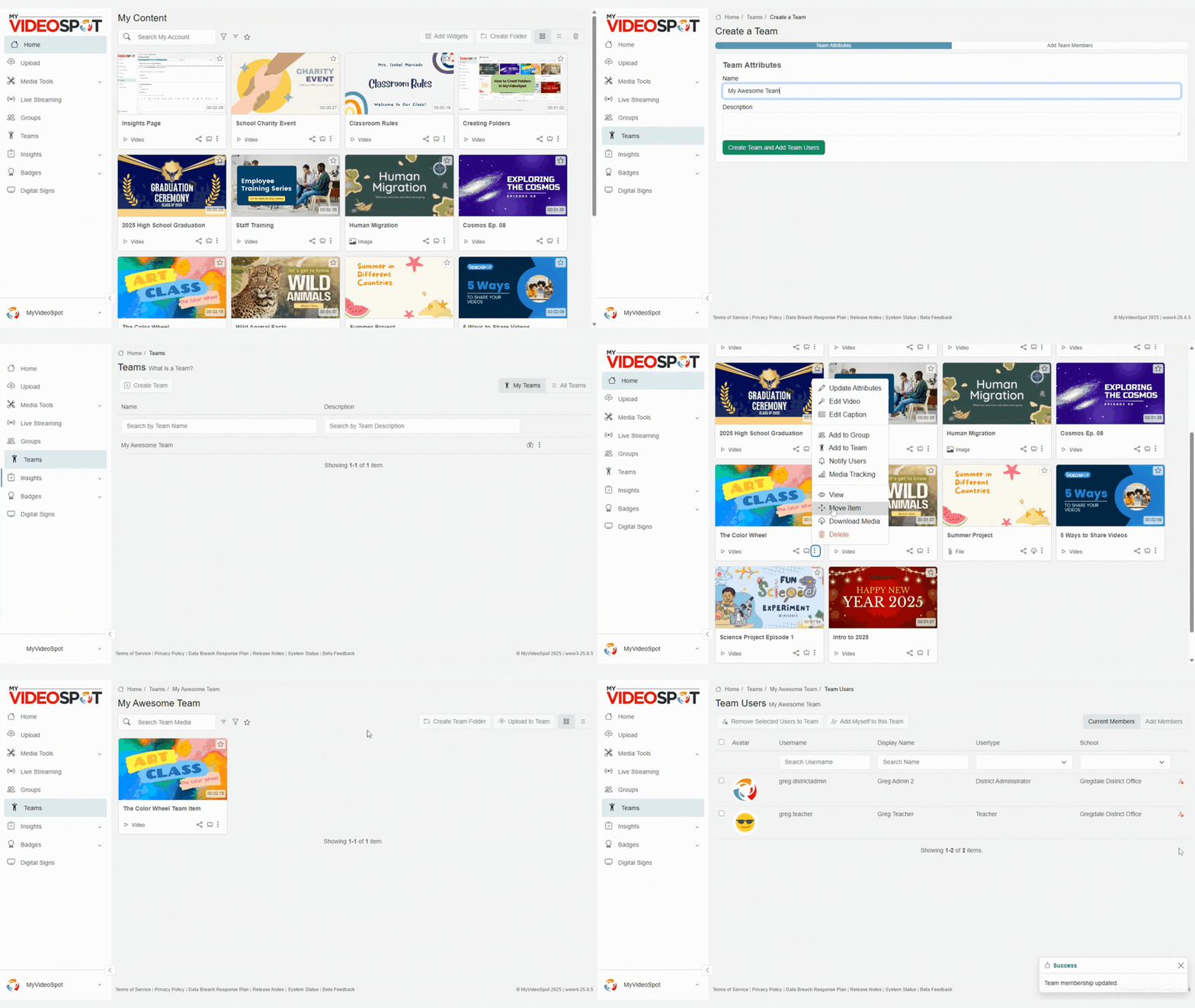
Grant access to collaborators so you can upload, edit, and manage assets together. Team up on media or communications projects.
For Managers
Set access levels across your organization, from student to district admin. Choose who can view, duplicate, and edit files in this streamlined content management system for education.
Share Content and Manage Permissions
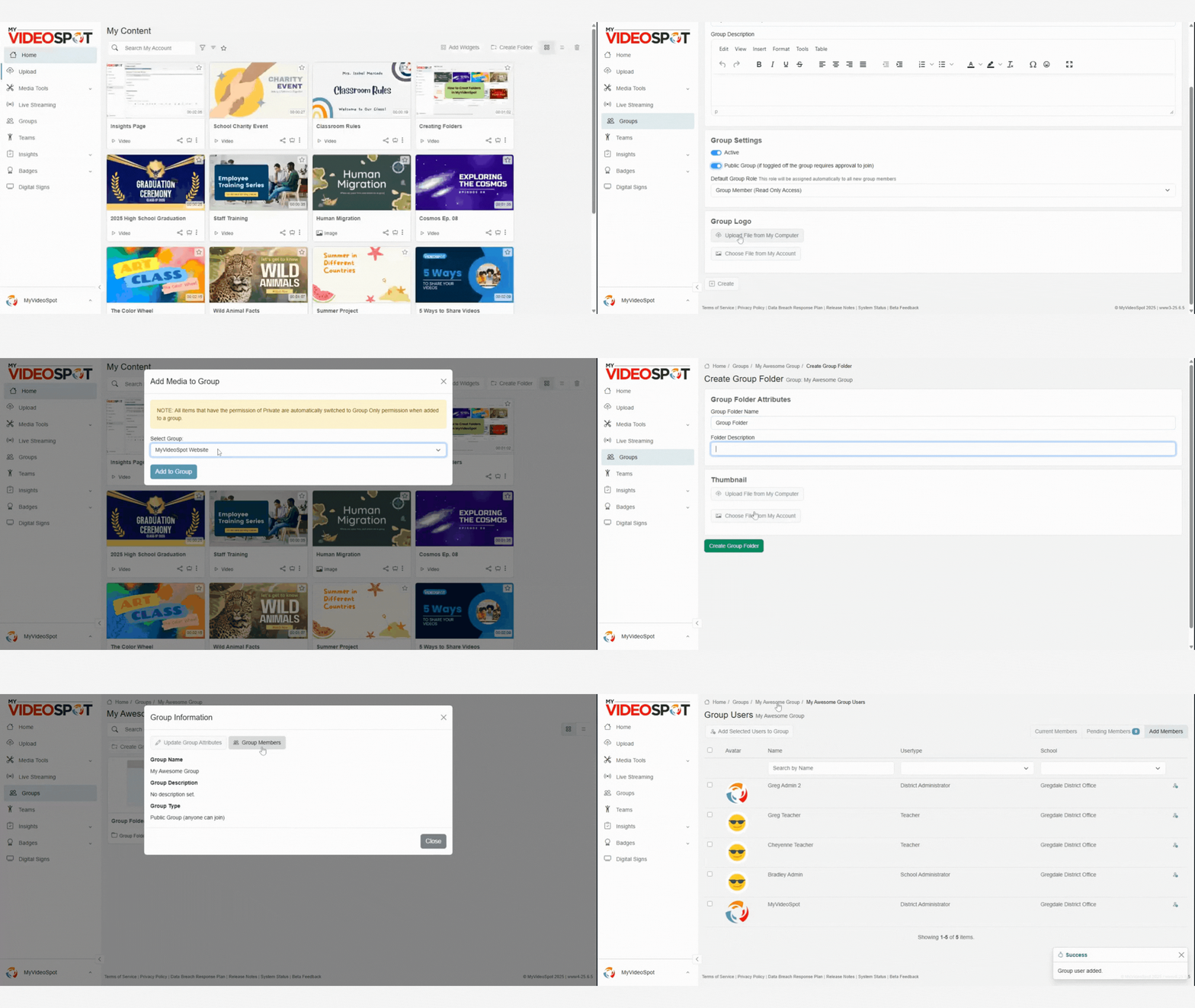
Within your Group, choose who can view, edit, duplicate, or manage uploaded videos and documents. Access options include:
- Joinable – Anyone in the organization can join your space instantly.
- Request Access – Anyone in the organization can find your space, but requires your approval to join and start editing.
Intuitive for users familiar with SharePoint or educational video platforms.
Collaborate on Multimedia
Work together in real time to upload files, edit, update meta data, and create great projects together. Easy to share and edit like GoogleDocs, but with unlimited video storage and bandwidth.
Drag and drop text, images, and video within the video hosting platform to create projects like:
- Portfolios and presentations
- Newsletters
- Training materials such as interactive explainers
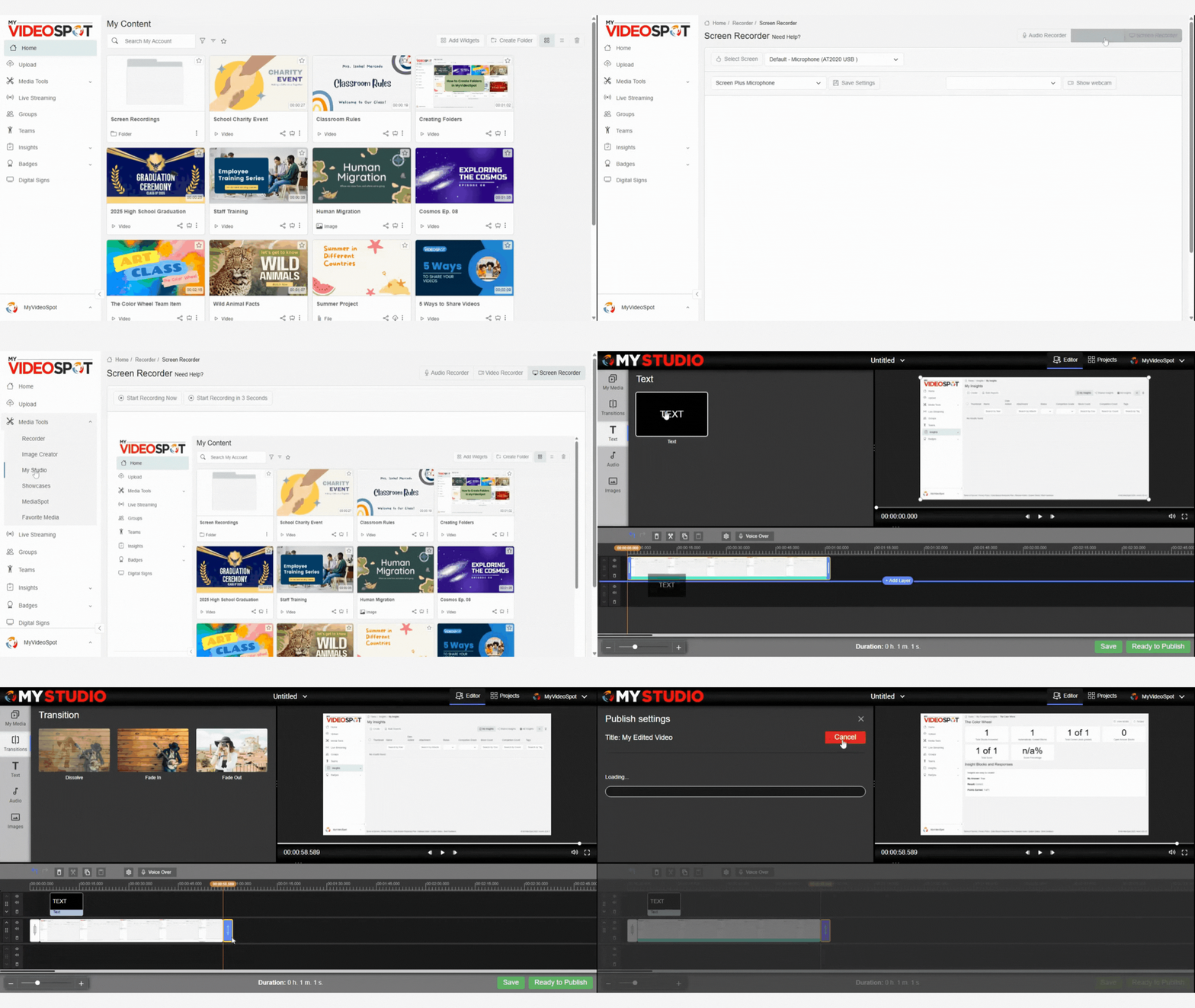
Create Video Content from your Browser
You don’t need extra software or downloads to create great video and multimedia projects. MyVideoSpot’s browser-based platform includes audio, video, and screen recorders. Because we value accessibility in all video platforms for education, it automatically generates closed captions every video you upload or record. It also includes a video editor called My Studio that can:
- Trim clips and splice segments together
- Add voiceovers and music
- Add basic transitions
- Add green screen
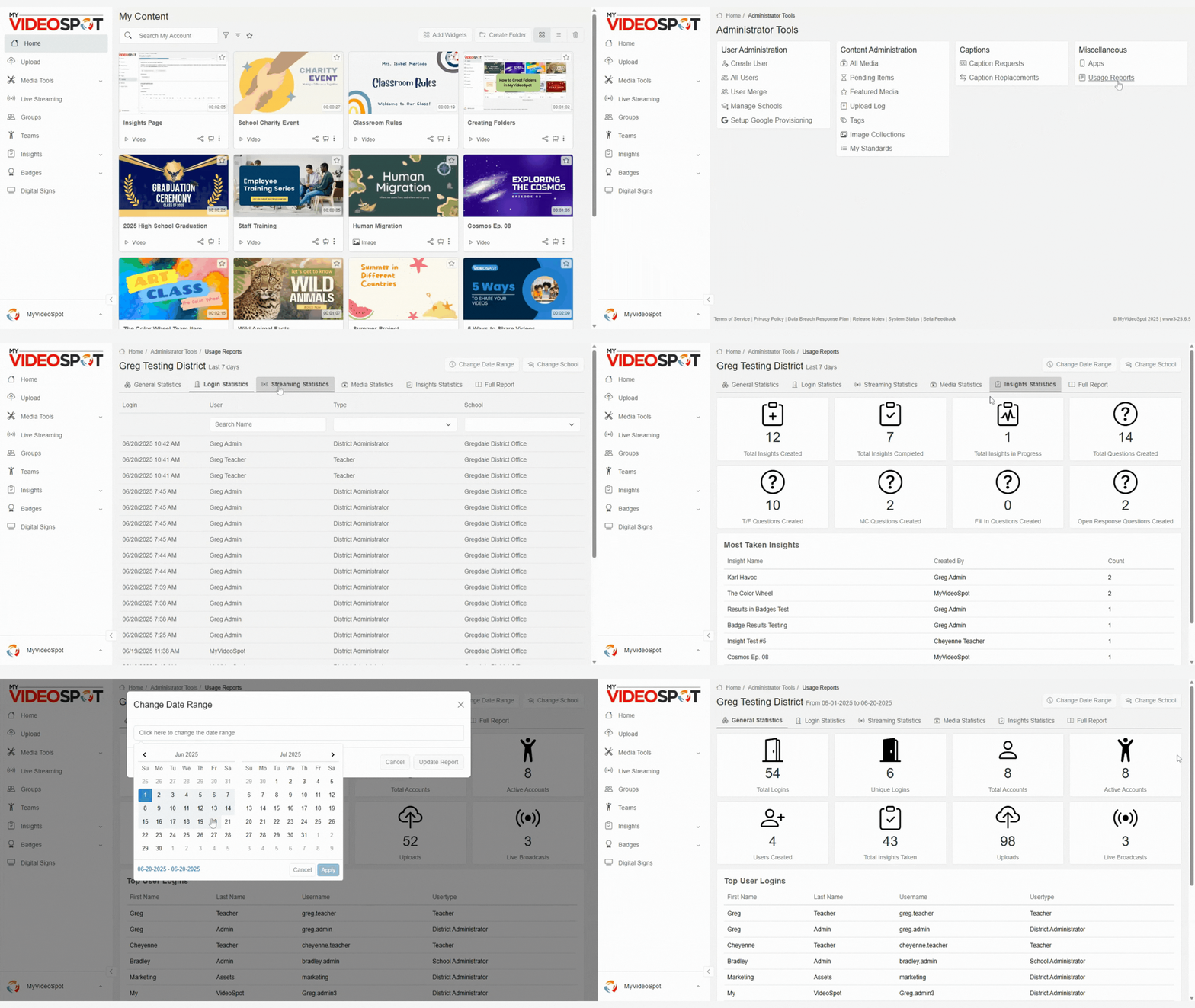
Track what’s Working
Use platform-wide analytics and usage reports to see how your content is performing within a specific school or across the entire district. A good education video hosting platform helps your explainer videos, updates, and newsletters reach the desired audience.