
Favoriting an item in your media gallery allows for quick access to it at any time. Follow the steps below to learn how:
- To favorite an item, click on the thumbnail of the item in your gallery.
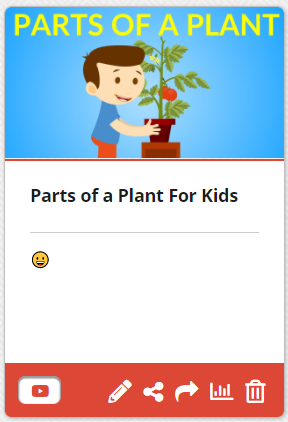
- Clicking on it will take you to the item’s preview page. From here, click the Add to Favorites button on the bottom-left side of the preview.

- To access your favorite item, click the Favorites icon (star) on the top bar.

- You can also remove an item from your Favorites by going to the media item and clicking the Remove from Favorites button.