How to Build an Engaging Video Library for your School District
Good file management matters whether you’re dealing with documents, sound files, images, or videos. But because videos take up so much storage and are difficult to search for, it’s particularly important to create an organized, engaging video library for your school district.
The Endless Video Library Labyrinth
Videos can contain valuable information such as lesson planning content, training videos, event recordings, and student resources. Unfortunately, it’s very easy for videos to get buried. They’re large and cumbersome to deal with, so many put off the chore of backing them up. If labelled improperly, it’s virtually impossible to use keywords to search for a missing video. Anyone who’s tried video editing knows the pain of searching for the Commencement Speech 2026 recording, only to realize that every file is named DSC_6767 or MOV_0894.
Without a well managed video library, your school ends up using massive amounts of storage to keep videos that nobody uses. For the first few years, students and faculty waste time searching for videos. Eventually, they stop trying at all – and sometimes the same training material or lesson plan gets remade three times because nobody knows how to find or share the original version.
Creating an Organized School District Video Library System
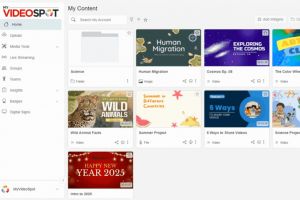
The good news is that with some organization and structure, you can transform the video labyrinth into a well-managed video library for your entire school district. Here are some basic tactics that MyVideoSpot uses for building, managing, and scaling libraries.
Access Levels
Each user is assigned an access level such as Student, Teacher, School Admin, or District Admin. Based on their level, they can only view or manage certain videos. This enhances security – the last thing you want is a student accessing sensitive information about faculty or grading criteria.
This system also gives individual schools both the freedom to manage their own content and accessibility to district-level resources. Every school can view live streams of school boards, but only individual teachers can manage their students’ video work.
Approvals
Any content hub needs some sort of moderation, especially in educational settings. MyVideoSpot empowers students to record, edit, and upload their own videos – but the platform has approval settings that keep the learning environment clean. Teachers and admins must approve student-created content before it goes live. This process is streamlined, with the option to approve in bulk.
Tagging
Tagging videos helps make them searchable, directly addressing the issues that arise with naming files. To make sure that tagging reduces chaos instead of creating it, MyVideoSpot has a few tricks for creating and editing tags.
If every user has the ability to make new tags, they wind up creating duplicates. Nothing’s more frustrating than searching for AP Biology and wading through variations of Bio, Biology, and apbio. To avoid this problem, only Admins can create and edit school-wide or district-wide tags. This keeps the video library consistent in the long term.
Teams
A good library isn’t just a place for storage: It’s a place where users can actively collaborate. MyVideoSpot answers this need with Teams. Users can create special, invite-only spaces for sharing and editing content together. Because MyVideoSpot has a built-in video editor, students and faculty can create multimedia projects without relying on other software.
Showcases
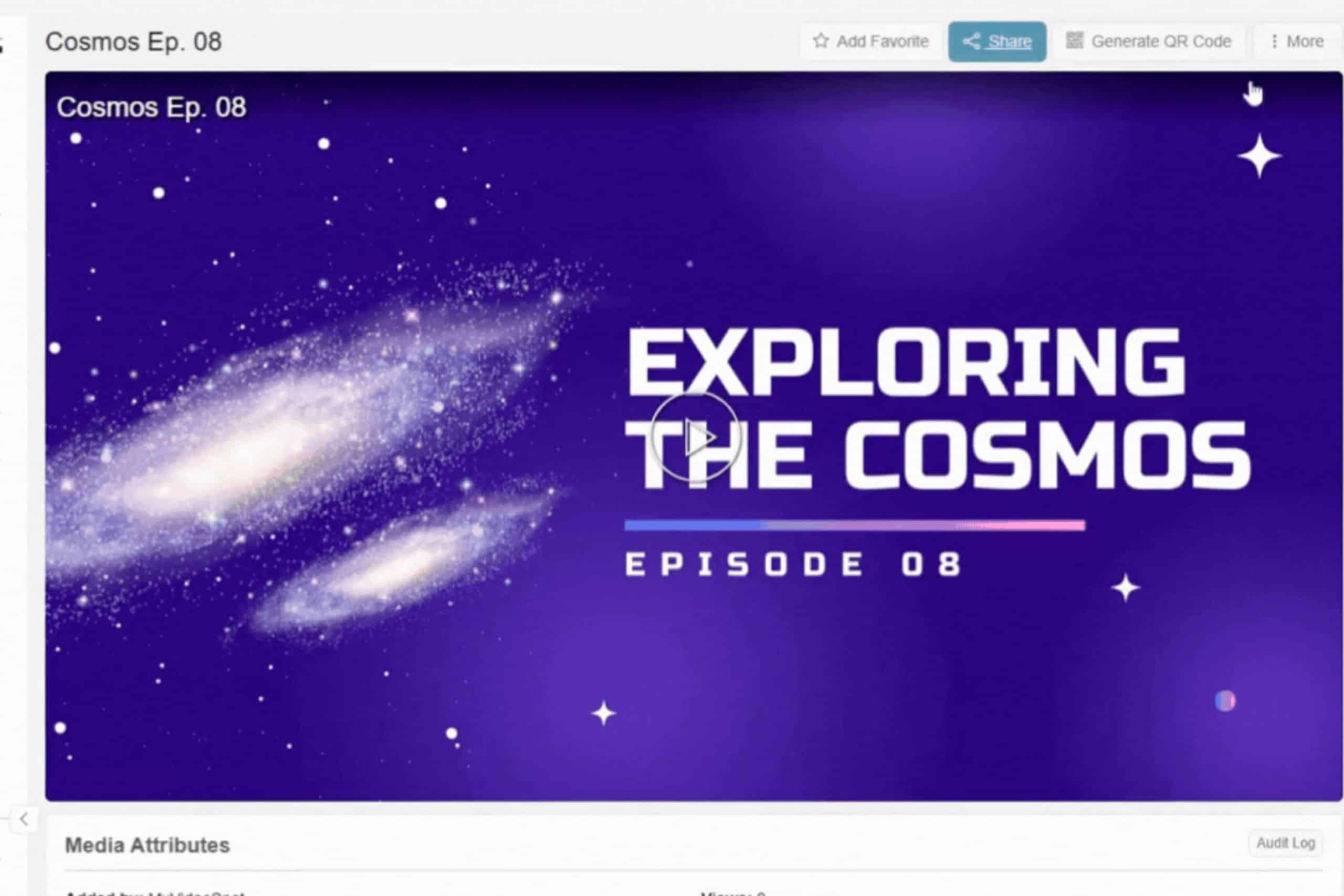
Securely sharing large video files across several schools can be a headache. That’s why MyVideoSpot uses Showcases, which make it simple for users to share the right videos with the right audience. They’re essentially video galleries, but users need specific Access Levels to edit them. Only Teachers can edit their Classroom Showcases, only School and District Admins can edit School Showcases, and so on. Because MyVideoSpot has its own browser-based editor and live stream support, you can easily add any and all content to your showcase.
Content Management with MyVideoSpot
Training videos, event recordings, and creative projects do no good just sitting around and taking up storage. Students, faculty, and community members can only engage with the videos if they’re housed in an intuitive and organized video platform for education. That’s why MyVideoSpot turns video collections into a living, breathing resource for your entire school community. Reach out to our team to get started!